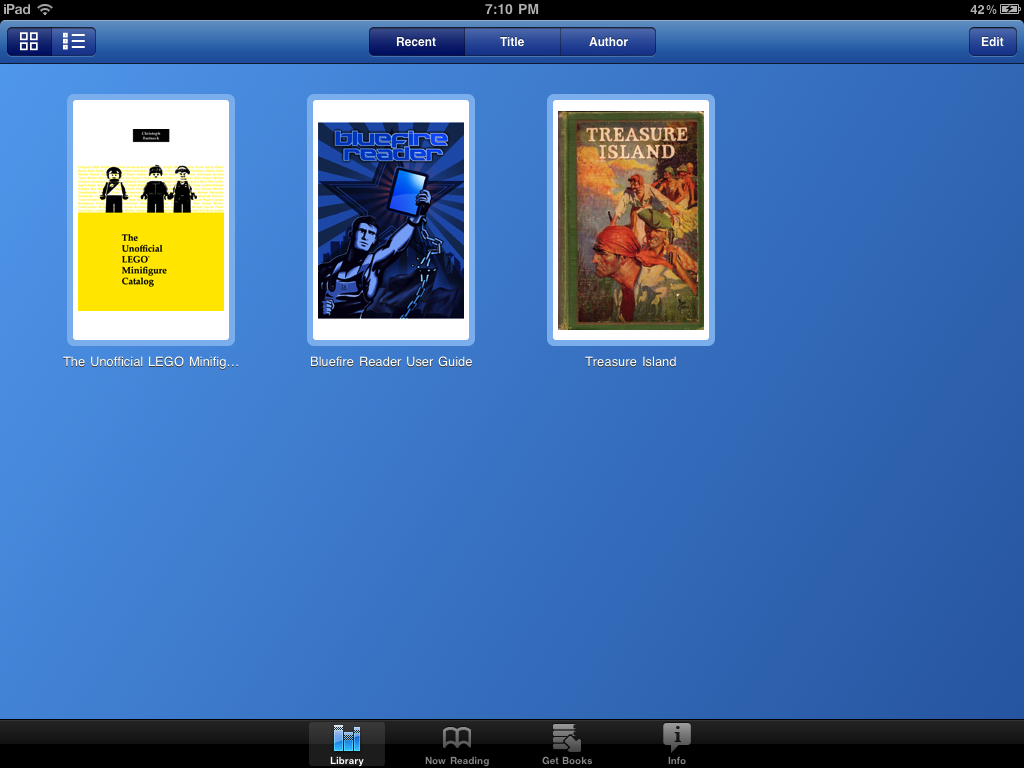
The amazing palais has figured out a way to display the eBook on an iPad. Here are the instructions:
- First download Adobe Digital Edition (ADE) to your local computer.
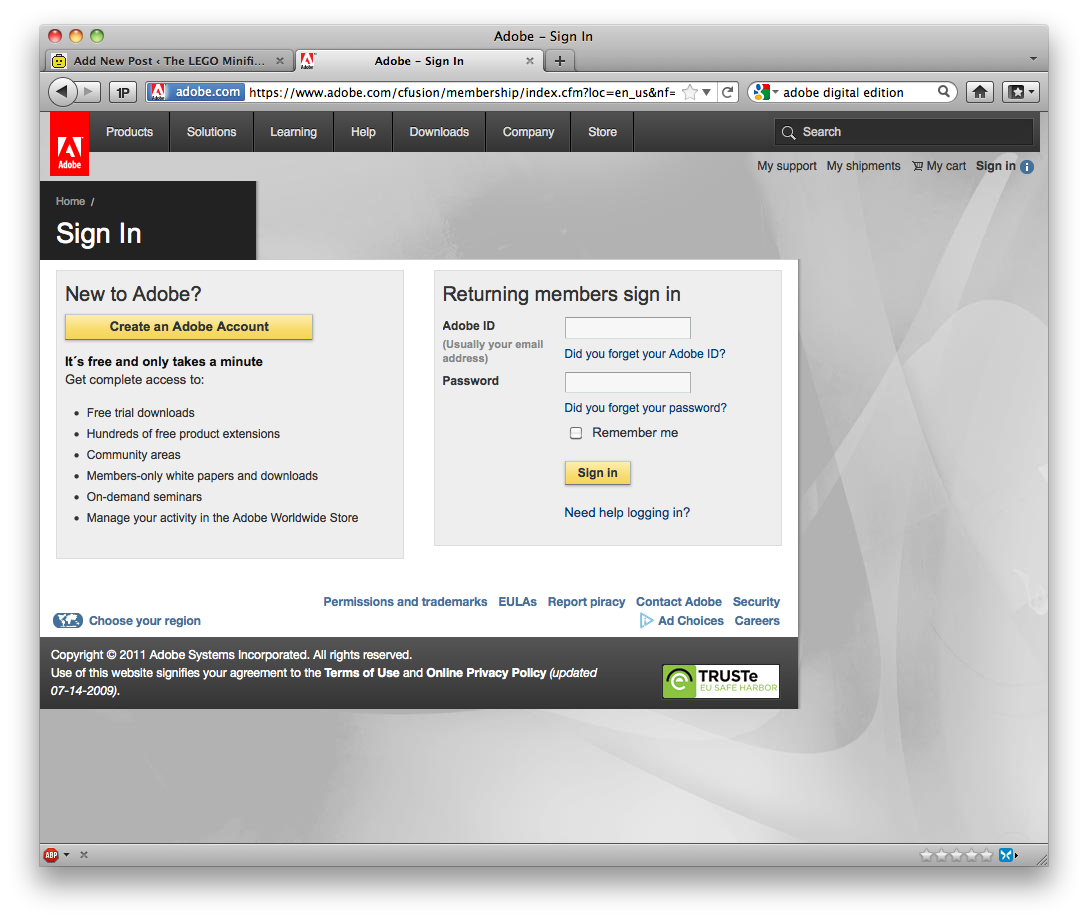
- Now create an Adobe Account on the Adobe website. You can sign in at pretty much any of their pages. Look for the “sign in” at the top right.
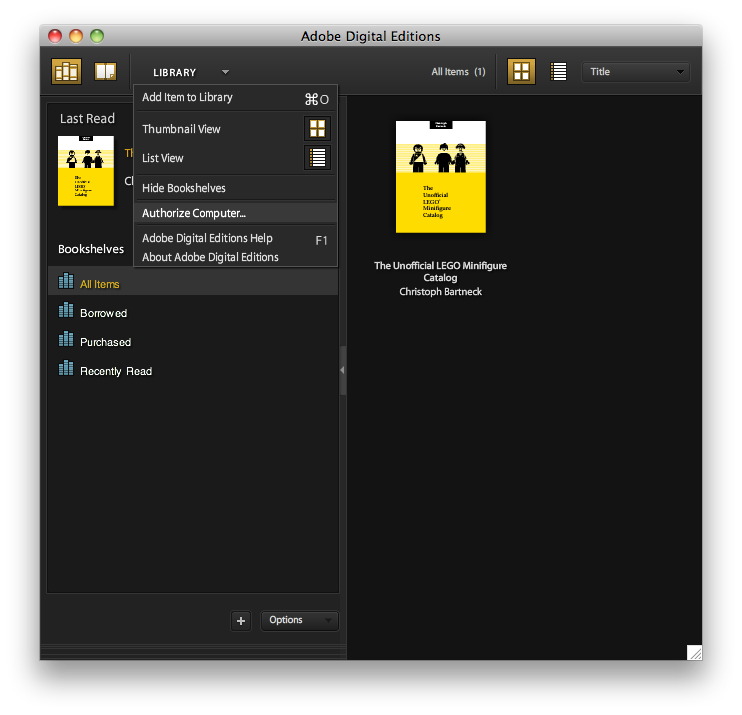
- Authorize your local copy of ADE using your account details. Got to Library -> Authorize Computer…
- Now download the Bluefire Reader for iPad from the App store.
- Also authorise Bluefire with your Adobe Account details. You can change the authorization later in the Info tab.
- Now you can download the eBook from Lulu to your local computer.
- You need to transfer the eBook onto the iPad now. Open the Apps tab in iTunes when the iPad is connected, and select Bluefire and ‘add’. You will find the actual file in MacintoshHD/Users/”Your user acct”/Documents/Digital Editions/The_Unofficial_LEGO_Minifigure_Catalog.pdf
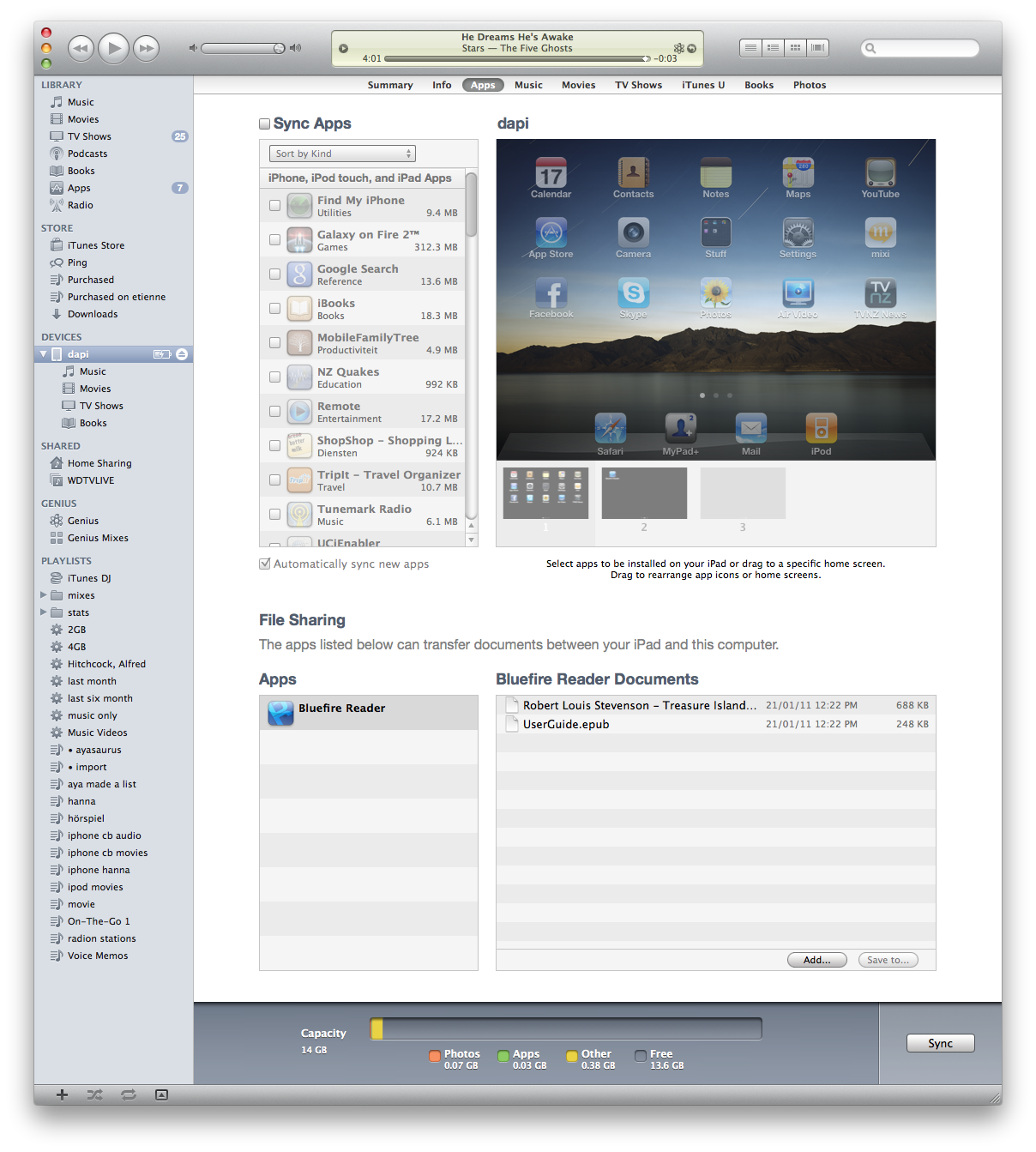
- You now need to Sync your iPad with the computer.
- When you open Bluefire on your iPad will find the eBook in your library and you should be able to read it!